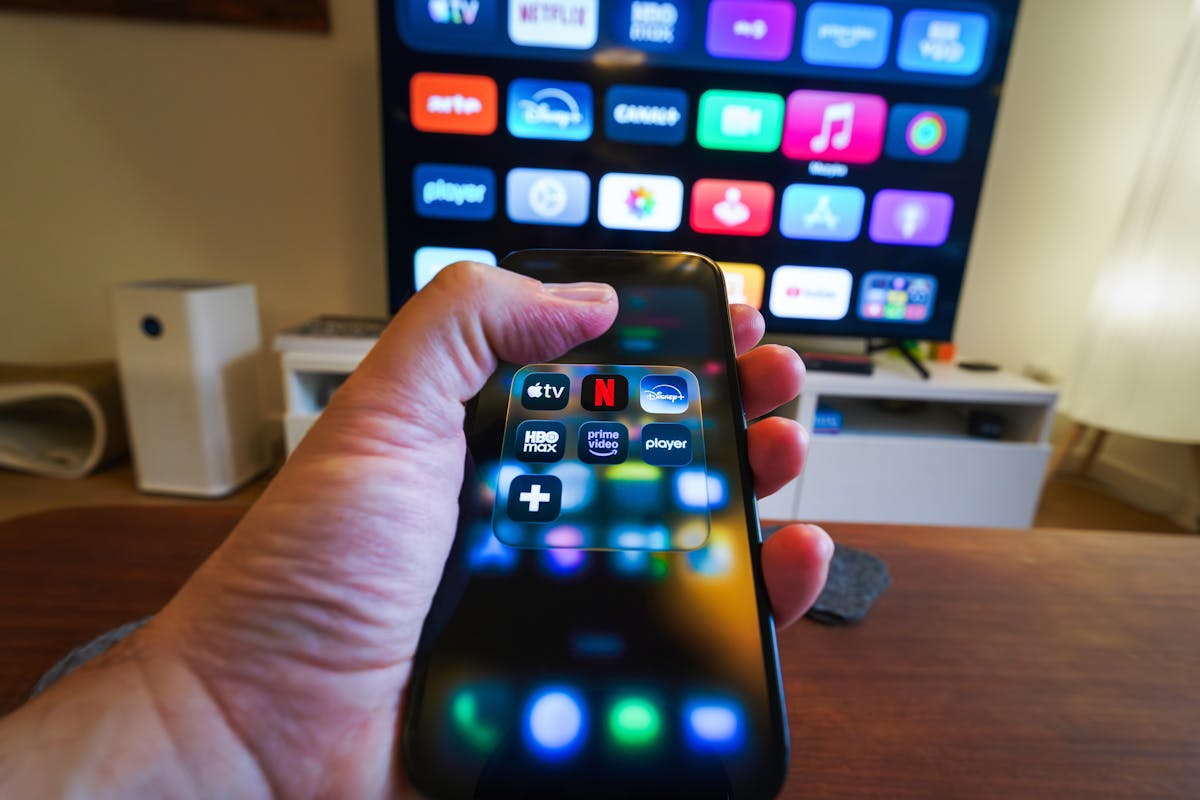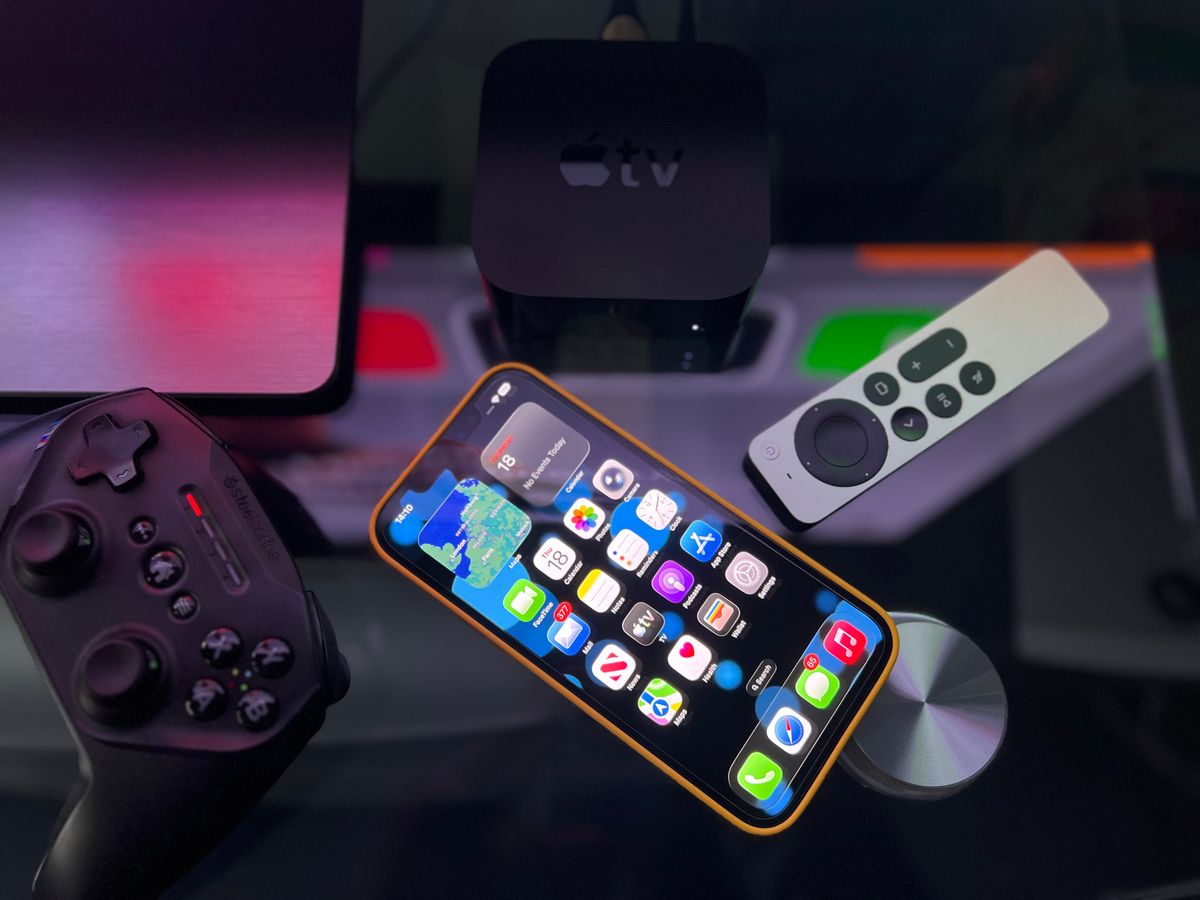
The best IPTV app for Apple TV in the US is a tvOS player with a proper programme guide, paired with a service that supplies an Xtream Codes login. Apple TV 4K delivers the smoothest experience, and setup takes about ten minutes. Watch USA IPTV works with the leading tvOS players.
What is the best IPTV app for Apple TV in the US?
The best IPTV app for Apple TV is one that has been written specifically for tvOS rather than ported from iOS. Native tvOS players use the Siri Remote properly, load the guide quickly, and stay stable during long live broadcasts.
The service matters just as much as the app. A tvOS player cannot compensate for a provider that stutters during a live NFL game, so choose the service first and the app second.
| Player | EPG support | Recording | Notes |
|---|---|---|---|
| iPlayTV | Yes | No | Long-standing tvOS favourite, clean interface |
| IPTV Smarters Pro | Yes | Yes | Widely used across platforms |
| GSE Smart IPTV Pro | Yes | Limited | Flexible playlist handling |
| VLC for tvOS | No | No | Quick playlist testing only |
Why Apple TV is a strong IPTV device
Apple TV is one of the better IPTV devices available, largely because the hardware is consistent. There are no budget variants with weak processors, so performance is predictable across the range.
- Fast, consistent hardware that handles HD and 4K streams without strain
- A polished interface that feels closer to a set-top box than an app
- Reliable tvOS updates, which keep player apps compatible
- Excellent picture processing on the 4K models
- The Siri Remote makes searching and switching quick
Which Apple TV model do you need?
Apple TV HD will run IPTV, but the 4K models are the sensible choice today. If you are buying specifically for IPTV, the difference in cost is small against the improvement in experience.
| Model | Max resolution | Verdict for IPTV |
|---|---|---|
| Apple TV HD | 1080p | Works, but dated and no longer ideal |
| Apple TV 4K (1st gen) | 4K UHD | Good, widely available second-hand |
| Apple TV 4K (2nd gen) | 4K UHD | Fast guide and channel switching |
| Apple TV 4K (3rd gen) | 4K UHD | The current best choice for IPTV |
Setting up your IPTV app on Apple TV
tvOS has no sideloading, so every app comes from the App Store. That is a limitation, but it also means everything you install is vetted and updated automatically.
- Open the App Store on Apple TV and search for your chosen IPTV player
- Install it, then open the app and choose Add Playlist or Add Provider
- Select Xtream Codes if your provider supports it, and enter your details
- Let the channel list and guide import, which may take a few minutes
- Test a live channel before setting up favourites
Configuring the guide, EPG and favourites
The Apple TV interface hides a lot of detail, so a well-organised guide is what makes daily use pleasant. Take a few minutes to shape the line-up after your first import.
- Confirm the EPG has populated before judging the guide
- Hide country and language groups you will not watch
- Add regular channels to favourites and reorder them
- Set your preferred player as the default so it opens on launch
Apple TV settings that improve streaming
A few tvOS settings make a real difference to live sport, particularly frame rate matching, which stops the judder you sometimes see on fast panning shots.
- Turn on Match Frame Rate and Match Dynamic Range for 4K screens
- Set the video format to 4K SDR and let matching handle the rest
- Use Ethernet on the 4K models rather than Wi-Fi where possible
- Disable screensaver activation during long broadcasts
Fixing common Apple TV IPTV issues
Apple TV is a stable platform, so problems usually trace back to credentials, the guide, or the network rather than the device.

| Symptom | Likely cause | Fix |
|---|---|---|
| Empty channel list | Incorrect login details | Re-enter the Xtream Codes credentials |
| Guide shows no programmes | EPG not loaded | Refresh the guide and allow time to populate |
| Stuttering on live sport | Wi-Fi or frame rate mismatch | Use Ethernet and enable Match Frame Rate |
| App will not open | Outdated tvOS or app | Update both from Settings and the App Store |
| Picture looks soft on 4K | Wrong video format | Set the format to 4K SDR with matching enabled |