
Get set up in minutes
A clear, device-agnostic installation process — install a player, enter your details, and start watching.
- 1
Choose and confirm your plan
Pick a plan on our Pricing page, then confirm your order through WhatsApp or Telegram. We will send your access details.
- 2
Install a player on your device
Open your device's app store and install a compatible IPTV player. If you are unsure which to use, ask us — we will recommend one for your device.
- 3
Enter your access details
Launch the player, choose the option to add a playlist or portal, and enter the details we provided exactly as sent.
- 4
Load and watch
Allow the app a moment to fetch the channel list, then open a channel to confirm playback. Set up favourites to make browsing quicker.
- 5
Fine-tune your setup
For the most stable experience, connect by Ethernet where possible and keep your app and device updated.
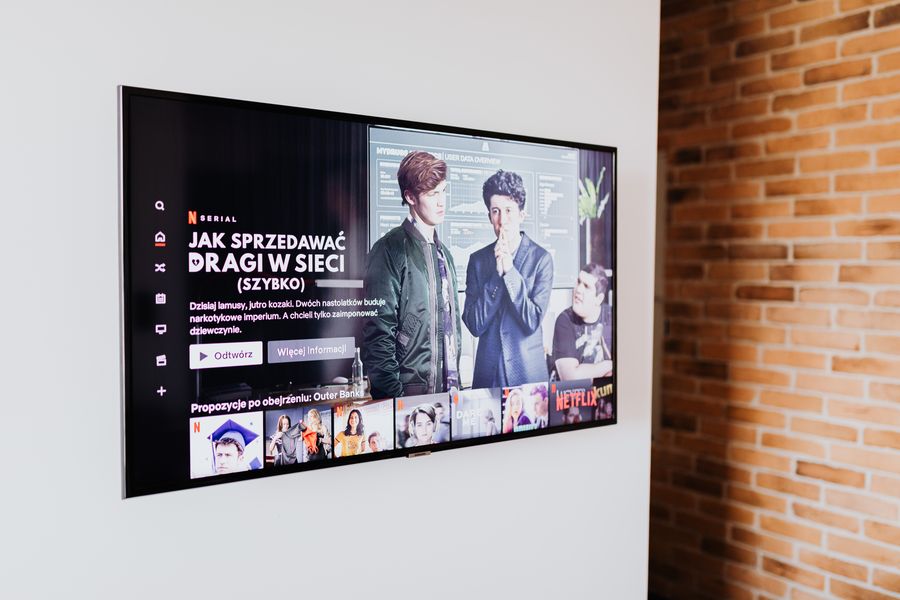
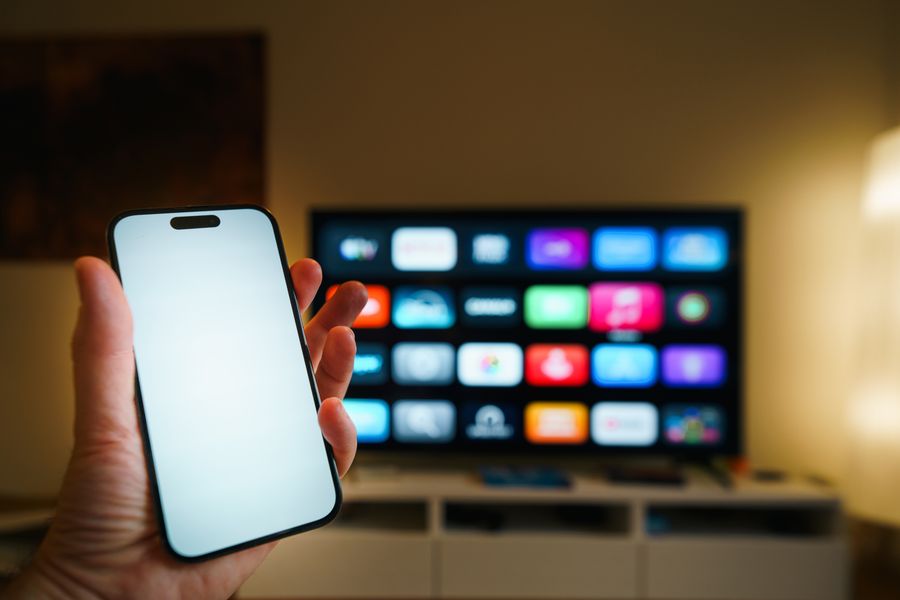
Find your device
Choose your device for a tailored setup walkthrough.

Installation questions
Common questions about getting set up.

Need help installing?
Our team will guide you through setup on your device.