The best IPTV for NFL and college football in the US is a service with the server capacity to hold a live game for three uninterrupted hours at peak Sunday load. Coverage should include the national networks, RedZone and the regional sports networks that carry local teams. Watch USA IPTV is built for exactly that workload.
What is the best IPTV for NFL and college football in the US?
The best IPTV for football is judged on one thing: whether the picture holds from kickoff to the final whistle when millions of other Americans are watching the same window. Channel lists mean nothing if the stream collapses in the second quarter.
Beyond stability, a good football line-up covers the Sunday national windows, Monday and Thursday night games, the college conferences on Saturdays, and the regional sports networks that carry your local team.
| Requirement | Why it matters | How to check |
|---|---|---|
| Sunday national windows | The core NFL viewing block | Confirm all Sunday afternoon and evening feeds |
| NFL RedZone | Continuous coverage of every scoring drive | Ask whether a dedicated feed is carried |
| Monday and Thursday night | Prime-time games through the week | Check the weekday sports groups |
| College conferences | Saturday games across major conferences | Verify your conference's network is present |
| Regional sports networks | Your local team's games | Search for your regional network by name |
Why football is the hardest test for any IPTV service
No other American sport stresses a streaming service the way football does. The audience arrives at once, at a scheduled time, and stays for three hours. There is no long tail to spread the load across.
That is why the reliable test of any provider is a live Sunday game rather than a Tuesday afternoon channel check. If it survives a full game at 4pm ET, it will survive almost anything else.
NFL RedZone, Sunday windows and how IPTV fits in
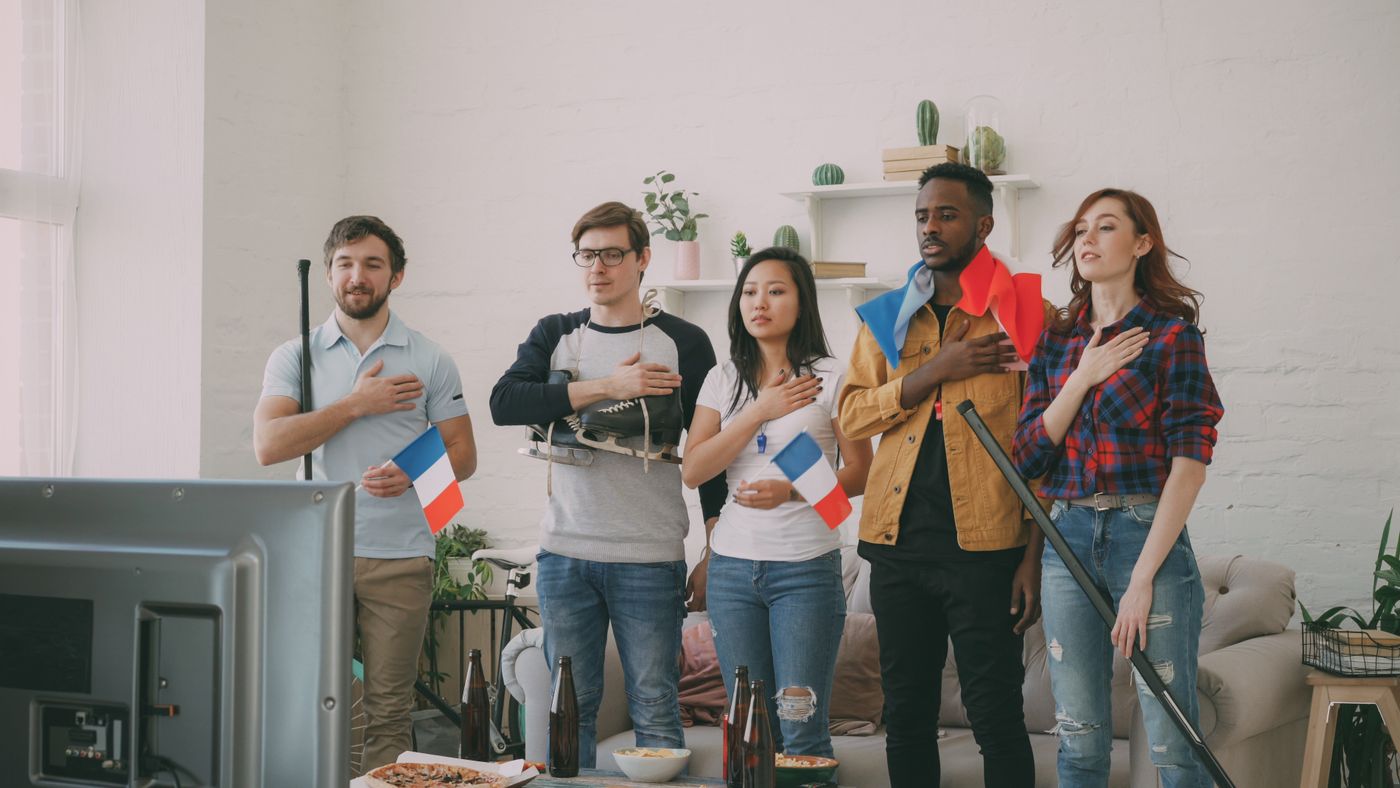
For many American households the priority is not a single game but RedZone, the channel that jumps between games as teams approach the end zone. It is the most requested single feed in football streaming.
A well-built IPTV line-up carries the full Sunday slate rather than a single window, so you can watch your team on one feed and follow the rest of the league on another. On a one-device plan you switch between them rather than watching both at once.
College football: Saturdays, conferences and regional networks
College football is harder to cover than the NFL because coverage is fragmented across national and conference networks, and the games run from noon until after midnight Eastern.
The practical approach is to identify the two or three conferences you actually follow and confirm those networks are present before you buy, rather than trusting a total channel count that says nothing about which conferences are carried.
- Identify the conferences your household follows before comparing services
- Confirm the specific conference networks are carried, not just national ones
- Check that midday and late-night Saturday windows are both available
- Look for rivalry week and bowl-season coverage before the season ends
Choosing the right plan for a football season
Football is seasonal, which makes term length a real decision rather than a formality. A household that only cares about the season should not pay for a multi-year term.
| Viewing pattern | Sensible term | Why |
|---|---|---|
| Testing a service during preseason | 1 month | Low risk, proves stability under load |
| A single football season | 6 months | Covers preseason through the playoffs |
| Year-round sports household | 12 months | Best monthly rate across the full calendar |
| Multi-year cord cutter | 24 or 36 months | Lowest monthly cost if you are already confident |
Setting up your device before kickoff
Game day is the wrong time to discover a setup problem. Fifteen minutes of preparation on Saturday makes Sunday uneventful.
- Install and update the player app a day before the game
- Confirm your channel list and guide have loaded fully
- Add your football channels to favourites so they are one click away
- Switch the main television to Ethernet if you possibly can
- Close background apps on Firestick and Android devices before kickoff

Fixing buffering during a big game
If the picture breaks up mid-game, work through the causes in order. Most football buffering is a home network problem rather than a provider problem, and it is fixable in minutes.
| Symptom | Likely cause | Fix |
|---|---|---|
| Stutter at kickoff | Peak load on the home network | Close other devices and apps |
| Freezing every few minutes | Weak Wi-Fi signal | Move to Ethernet or 5 GHz |
| Picture drops to low quality | Bandwidth shortfall | Check your plan speed against 15 Mbps per HD stream |
| Only one channel affected | Feed-side issue | Switch to an alternate feed for the same game |
| Slow guide during the game | Device under strain | Clear app cache and restart the device |