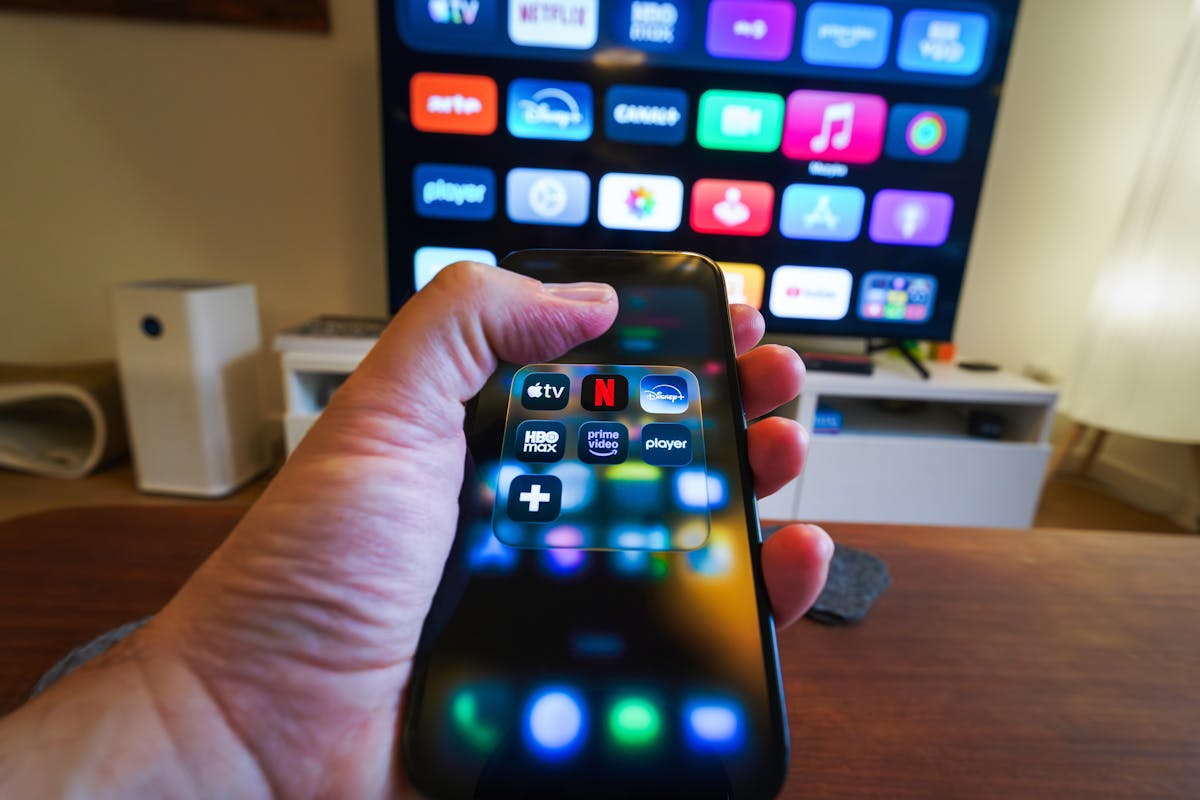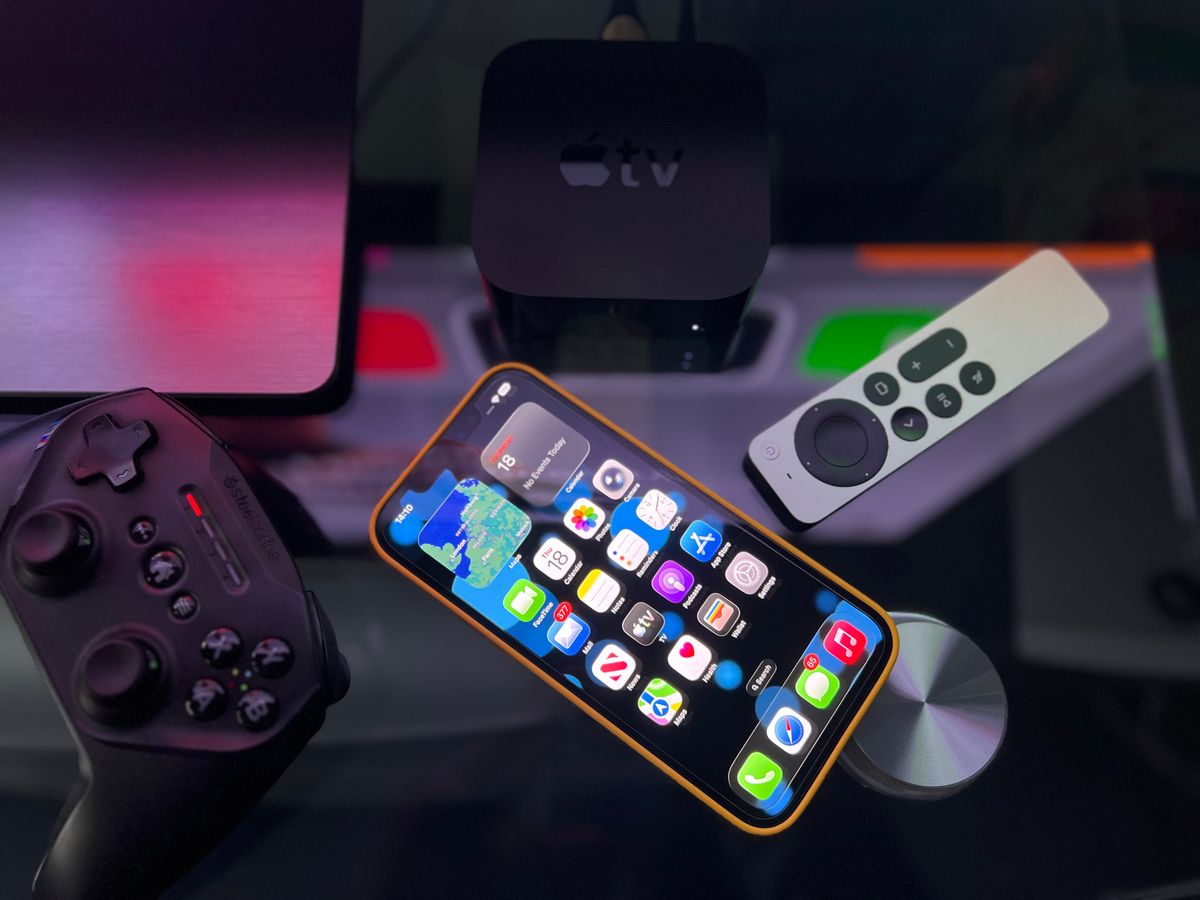
An IPTV box in the US is optional. A Fire TV Stick, an Apple TV or a modern Smart TV runs the same player apps, so a dedicated box only makes sense if you want more memory, more ports or a wired connection. Watch USA IPTV works on every major device without special hardware.
Do you actually need an IPTV box in the US?
Most American households do not. The device already under the television will run a compatible IPTV player, and the difference in picture quality between a streaming stick and a dedicated box is minimal at HD and 4K.
A dedicated box earns its place when you want specific hardware advantages: more memory for large channel lists, an Ethernet port, USB storage for recording, or a device that never struggles under load.
| Factor | Streaming stick | Dedicated box |
|---|---|---|
| Cost | Lower | Higher |
| Memory | Limited | Typically more |
| Ethernet port | Usually needs an adapter | Often built in |
| USB storage | Rarely supported | Commonly supported |
| Best for | Most households | Heavy users and large channel lists |
What actually matters in IPTV hardware
Hardware specifications for streaming are simpler than they look. Four things decide how pleasant a device is to use, and everything else is marketing.
- Memory, which determines whether a large channel list and guide stay responsive
- Processor capability, which governs how quickly channels switch
- Network connection, where an Ethernet port beats Wi-Fi every time
- Software updates, because a device that is abandoned stops working with new apps

The main hardware options compared
There are four realistic routes for a US household, and the right one depends on how heavy your use is rather than on budget alone.
| Option | Strengths | Trade-offs |
|---|---|---|
| Fire TV Stick 4K | Cheap, simple, huge app support | Limited memory, no Ethernet without an adapter |
| Apple TV 4K | Fast, polished, excellent picture | Higher cost, App Store only |
| Android TV box | More memory, Ethernet, USB storage | Variable quality between brands |
| Smart TV app | No extra device at all | Narrower player choice, slower on older TVs |
When a dedicated box is worth buying
There are three clear cases where a box is the better answer rather than an unnecessary purchase.
- Your channel list is very large and the current device's guide feels slow
- You want recording, which needs USB storage most sticks do not support
- Your television is far from the router and you want a native Ethernet port
What to avoid when buying an IPTV box
The IPTV box market is full of devices with impressive specifications and no software support. Avoiding a few patterns saves both money and frustration.
- Boxes that arrive pre-loaded with a subscription rather than being a clean device
- Devices from brands with no update history or support presence
- Specifications quoting processor cores without mentioning memory
- Very cheap boxes that run hot and slow down during long sessions
- Hardware sold only through a single channel with no warranty information
Setting up a new IPTV box properly
If you do buy a box, set it up the same way you would any streaming device. The sequence takes about fifteen minutes and prevents the most common first-day problems.
- Update the device firmware before installing anything
- Install the IPTV player from the official store or the manufacturer's recommended source
- Connect by Ethernet if the box has a port, otherwise use the 5 GHz Wi-Fi band
- Enter your subscription details and let the guide populate fully
- Build favourites before handing the remote to anyone else