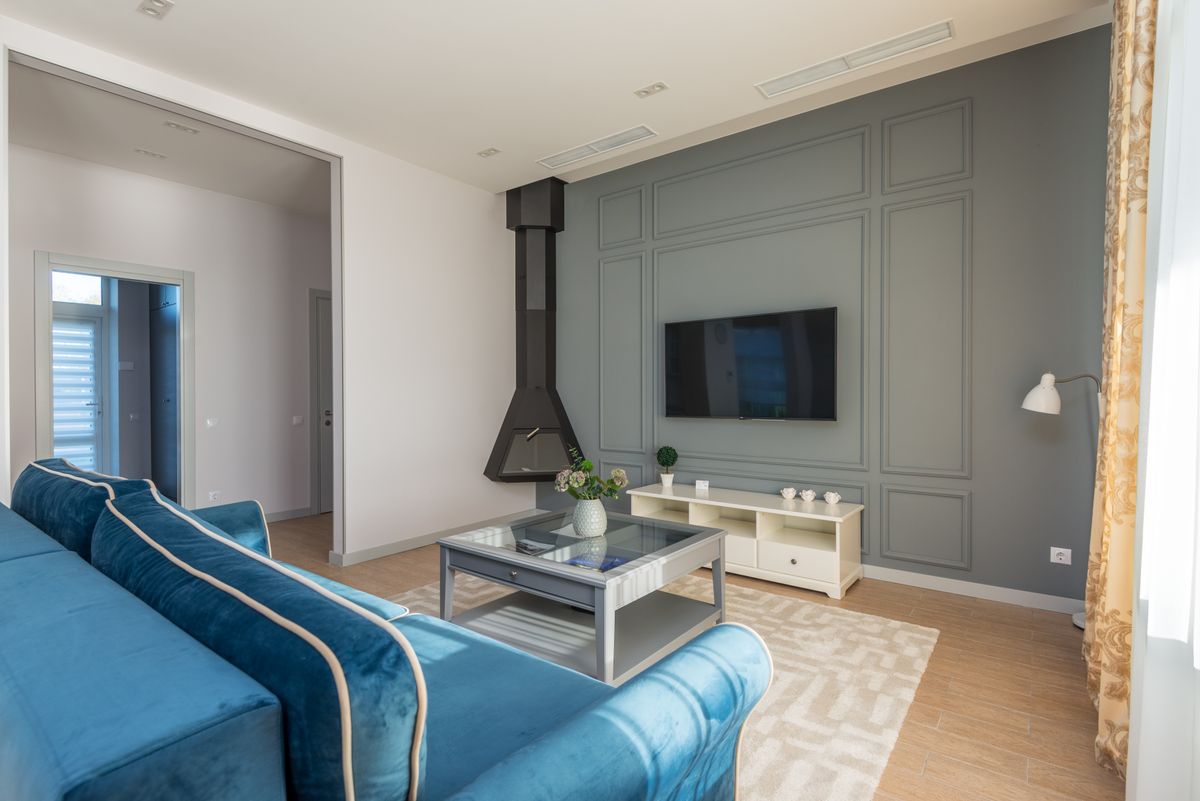
Multi-room IPTV in the US means running more than one simultaneous stream, which requires a plan with more than one device connection. Each stream needs its own bandwidth, so two 4K screens require roughly 50 Mbps. Watch USA IPTV plans cover one device connection each, with additional connections available.
How does multi-room IPTV work in the USA?
Multi-room IPTV works by running separate streams from the same subscription on different devices at the same time. The technical requirement is a plan that includes more than one device connection, because a single-connection plan supports one stream at a time regardless of how many devices have the app installed.
The second requirement is bandwidth. Every simultaneous stream draws from the same internet connection, so the household total is what matters rather than the speed for any single screen.
| Household setup | Streams | Recommended speed |
|---|---|---|
| One screen, HD | 1 | 50 Mbps |
| One screen, 4K | 1 | 100 Mbps |
| Two screens, HD | 2 | 100 Mbps |
| Two screens, one 4K | 2 | 150 Mbps |
| Three or more screens | 3+ | 300 Mbps or fiber |
Connections versus installations
This is the most misunderstood part of IPTV pricing, and it causes more disappointment than any other single factor. An installation is where the app is set up; a connection is a simultaneous stream.
You can install the player app on every television, phone and tablet in the house on a one-connection plan. What you cannot do is watch two of them at the same time.
- Installations are unlimited on any plan
- Connections are simultaneous streams and are what the plan specifies
- Switching a stream from one device to another is instant and needs no change to your plan
- If two people watch different channels at once, you need two connections

Planning for a family household
The useful question is not how many televisions you own but how many are typically on at the same time. Most American families overestimate this, then pay for capacity they never use.
- Count how many screens are genuinely on at once on a typical evening
- Identify whether those screens watch the same thing or different things
- Remember that one screen can serve several people if the channel is shared
- Add one connection of headroom for guests and busy nights
Getting the bandwidth right
Multi-room viewing fails most often because the household total was never calculated. Three HD streams need around 45 Mbps of sustained throughput on top of everything else using the connection.
The practical fix is to run the most important screen on Ethernet and let the secondary screens use Wi-Fi, so the primary stream is never competing for the same wireless bandwidth.

| Screen | Connection | Why |
|---|---|---|
| Main living room | Ethernet | The screen that matters most for live sport |
| Bedroom | 5 GHz Wi-Fi | Close enough for a stable signal |
| Kids' room | 5 GHz Wi-Fi | Lower priority, HD rather than 4K |
| Kitchen or secondary | Wi-Fi | Occasional use |
| Mobile devices | Wi-Fi | Catch-up and news rather than live events |
Devices for a multi-room setup
Every screen needs a device that can run the player, but they do not all need to be equal. Reserve the best hardware for the screen that matters most.
- Use the strongest device on the main television, where live sport is watched
- A basic 4K stick is sufficient for secondary screens
- Smart TV apps work well in bedrooms where the line-up is simpler
- Keep one spare device configured so a failure never stops the evening
Keeping every screen stable
Multi-room stability is a network discipline rather than a device problem. A few habits keep every screen running smoothly at the same time.
- Calculate the total bandwidth before adding another screen
- Run the primary television on Ethernet
- Avoid adding a third or fourth stream during a major live event
- Restart devices occasionally rather than leaving them running for weeks
- Lower the quality setting on secondary screens if bandwidth is tight