October 1, 20266 min readApps & Devices
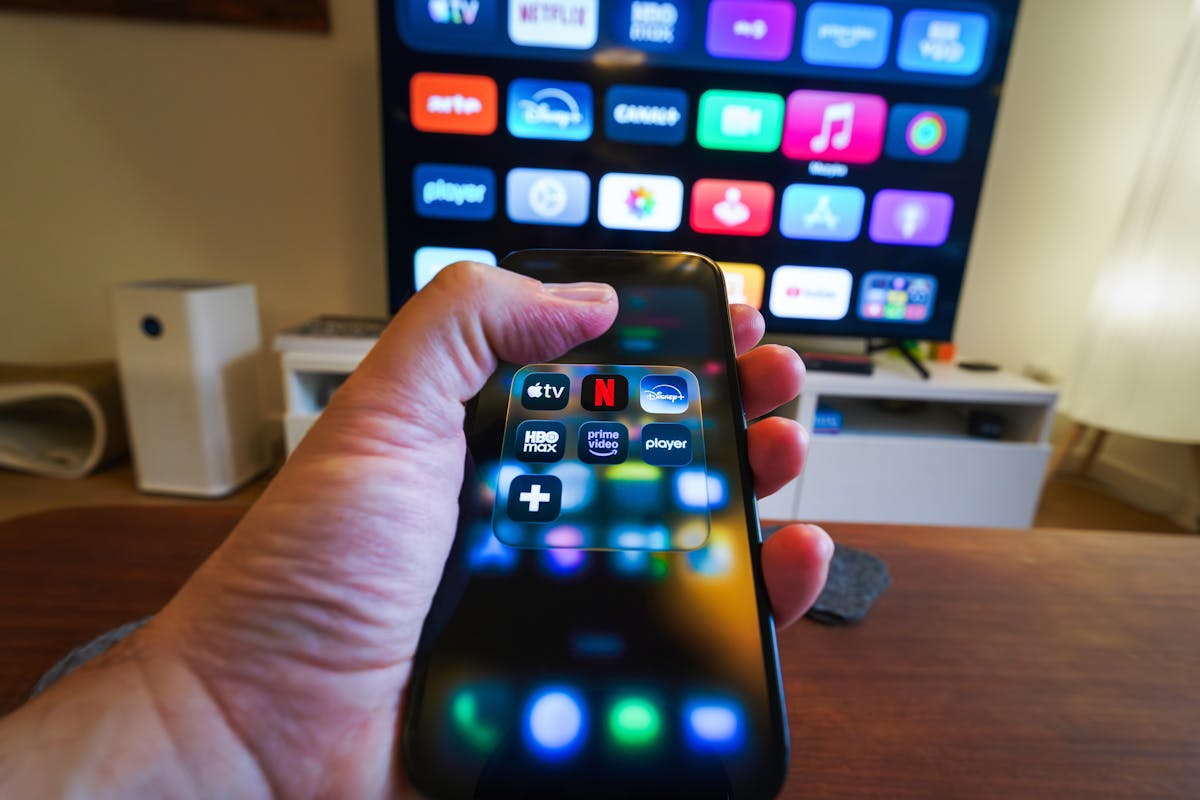
Your subscription provides the content, but the player app is what you actually interact with. Choosing a good one makes browsing, watching and switching channels far more enjoyable.
What a player app does
A player app connects to your subscription, loads the channel and on-demand lists, and plays the video. Some players focus on a simple grid of channels, while others add features like favourites, a programme guide, and recording.
Features worth having
The essentials are straightforward, but a few features noticeably improve the experience.
- An Electronic Programme Guide (EPG) so you can see what is on now and next
- Favourites and categories for quick access to the channels you watch most
- A search function across the channel list
- Parental controls for family households
- Smooth performance on your specific device
Matching the app to your device
The best app is the one built for your platform. Android TV and Firestick have the widest selection, while smart TV platforms offer a smaller but still capable set of players. Your provider can usually recommend an app that suits your device.