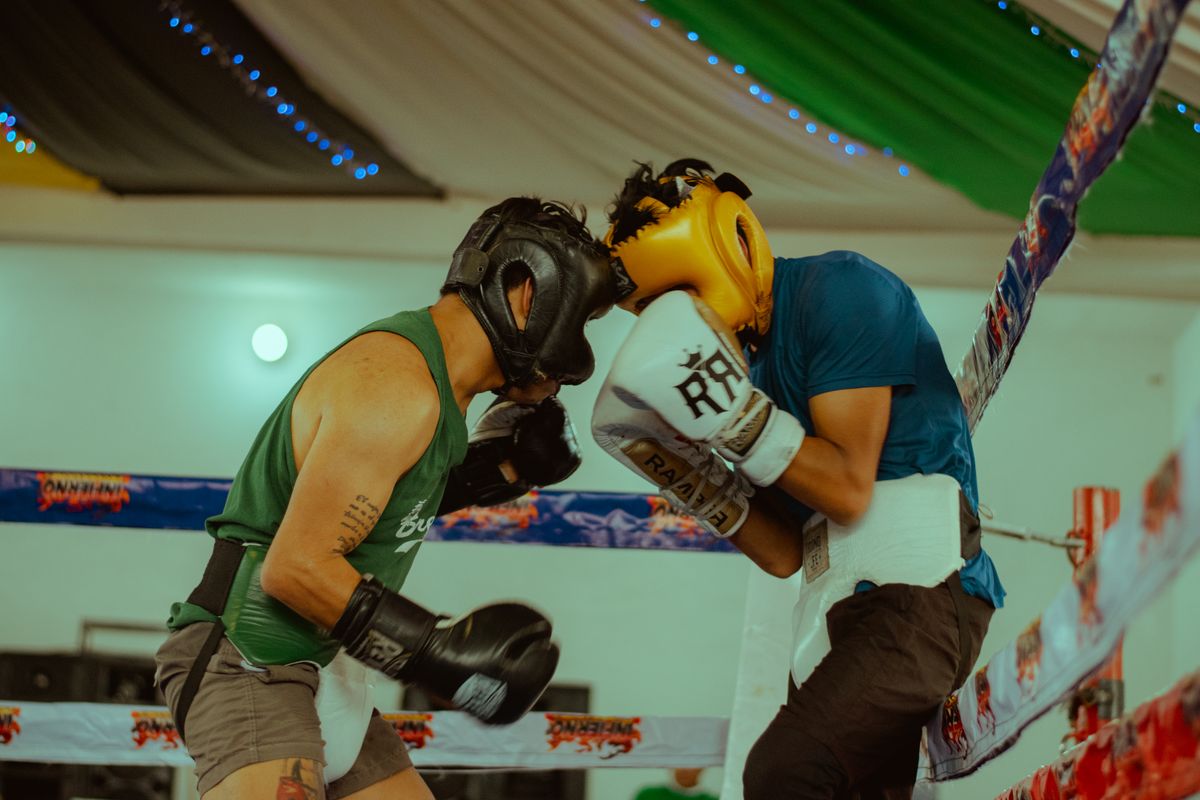
UFC, boxing and pay-per-view events reach an IPTV line-up as dedicated event feeds that appear alongside the regular sports channels. A single subscription covers the fight card instead of a separate purchase per event. Watch USA IPTV carries combat sports and major pay-per-view cards within the standard line-up.
Can you watch UFC, boxing and pay-per-view events on IPTV in the US?
Yes. Combat sports and pay-per-view cards are carried as dedicated event feeds within an IPTV subscription, usually appearing in a dedicated sports or PPV group in the channel list on the day of the event.
The difference from buying events individually is cost structure. A single monthly subscription covers the whole year of fight nights, whereas purchasing each card separately runs to hundreds of dollars annually for a regular viewer.
| Cost line | Per-event purchase | IPTV subscription |
|---|---|---|
| Typical pay-per-view price | $70 to $90 per card | Included in the subscription |
| Number of major cards a year | 12 or more | All carried feeds |
| Annual cost for a regular viewer | $800 and above | From $25 per month |
| Preliminary cards | Often on separate services | Usually in the same line-up |
| Replays | Limited window | Available while the feed remains in the line-up |
How a fight night actually arrives on your screen
Fight cards are long broadcasts. The prelims can run for hours before the main card begins, and the headline bout rarely starts at the advertised time. Planning for that is the difference between a smooth evening and a frustrating one.
- Event feeds appear in a dedicated sports or pay-per-view group
- Preliminary cards usually start two to three hours before the main card
- The headline bout can begin well after the scheduled start time
- A backup feed for the same event is worth identifying in advance
- Feed names may differ slightly from the broadcast branding
Preparing for a main event: the 24-hour checklist
Main events attract the largest simultaneous audiences of any streaming event, so preparation matters more than for a routine league game.
- Confirm the event feed is present in your channel list the day before
- Test the feed briefly to check it plays cleanly
- Identify a second feed for the same card as a backup
- Add the feed to favourites so it is one click away on the night
- Restart your streaming device and clear the app cache beforehand
Why fight nights buffer more than other sport
A major card concentrates the entire audience into a two-hour window with no spread across the evening. That is a harder load than an NFL Sunday, where games stagger across multiple windows.
It is also a longer continuous watch. A viewer who tunes in for the prelims may hold a single stream for five hours, which exposes any weakness in the connection or the device rather than averaging it out.
| Factor | Recommended | Reason |
|---|---|---|
| Connection | Ethernet to the main screen | Removes the biggest variable |
| Bandwidth | 25 Mbps or more | Headroom above the HD minimum |
| Device | Fire TV Stick 4K or better | Handles long sessions without slowing |
| Background apps | Closed | Frees memory for a multi-hour stream |
| Backup feed | Identified in advance | Lets you switch instantly if one fails |
Which devices handle a fight night best
Long broadcasts favour devices with more memory. A basic streaming stick that copes with a one-hour show can slow noticeably during a five-hour card, particularly if the app has been running for a while.
Fire TV Stick 4K and 4K Max, Apple TV 4K and a modern Android TV box all handle multi-hour events comfortably. If your device runs warm and slows down, that is the signal to restart it before the main card rather than during it.
Wrestling, kickboxing and other combat sports
The same principles apply across the combat sports category. Weekly wrestling shows, kickboxing promotions and regional fight cards all appear as scheduled feeds in the sports groups.
Weekly shows are easier than pay-per-view cards because the audience is spread across the schedule. If you follow a weekly promotion, a routine channel test is enough.
- Weekly shows follow a predictable schedule and are the easiest to plan around
- Regional promotions may only appear as event feeds on the night
- Combat sports groups are usually separate from general sports groups
- Favourites are worth setting for anything you watch weekly

After the fight: catch-up and replays
If you miss a card, replays depend on the provider keeping the feed in the line-up. Some cards remain available for days, others disappear quickly once the event ends.
Recording is the reliable option where your player supports it and your device has storage. On a Firestick that means a USB drive; on an Android TV box it usually means internal storage with enough free space.